Step 1
Start with your input
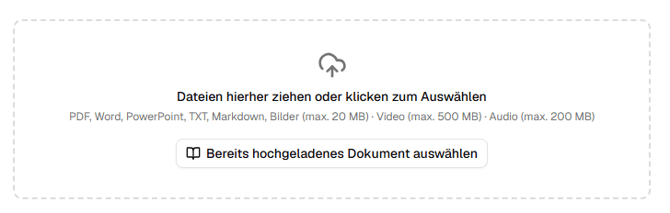
In the first step, simply upload a PDF, documents, or notes, or link to a website
-
The AI uses your input as a knowledge source to create a customized and interactive educational video.
-
You can add additional instructions.
Step 2
Choose a design template
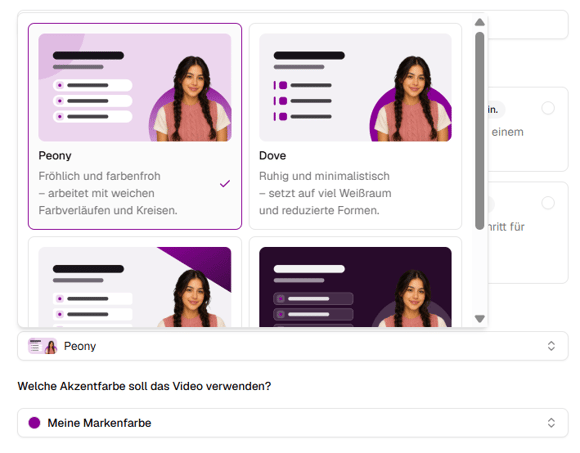
In the next step, you can select one of our design templates:
🎨 Design styles
Choose between the cheerful Peony style, the calm Dove style, the dynamic Breeze style, and the dark Orbit style.
🚀 Smartly Generated
Our design templates aren’t rigid templates—they’re individually tailored to your content.
Brand Kit
Your saved Brand Kit is automatically taken into account when creating AI videos. This ensures that every video is created in your brand’s look from the very beginning:
-
Your primary color is used as an accent color.
-
Your logos are integrated directly into the templates.
The Brand Kit is free and can be set up in just a few minutes. 🚀
Questions? Send us a message – we're happy to help!